 Hushpiece耳语同传
An interpreter in your ear for every meeting
They speak English, Japanese, French… you read your own language, live. You speak yours, and the translation appears the moment you pause. Recognition, translation and speech all run on your Mac — the meeting never leaves it.
Free download · macOS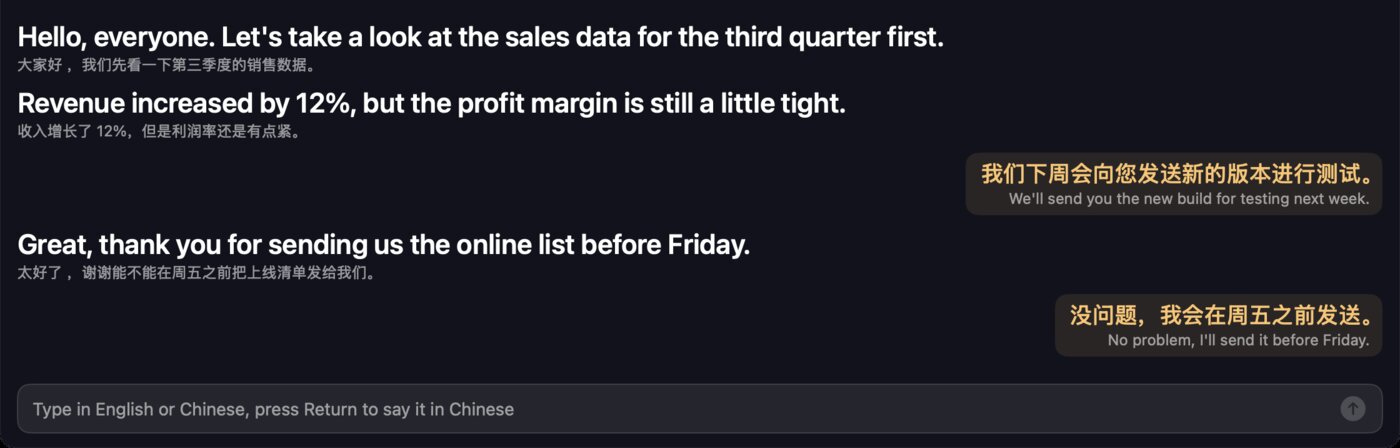
Built for meetings
Not another translator app — an interpreter that stays on screen for the whole call.
Live bilingual subtitles
Large text in your language, the original underneath. Unfinished sentences preview as they are spoken.
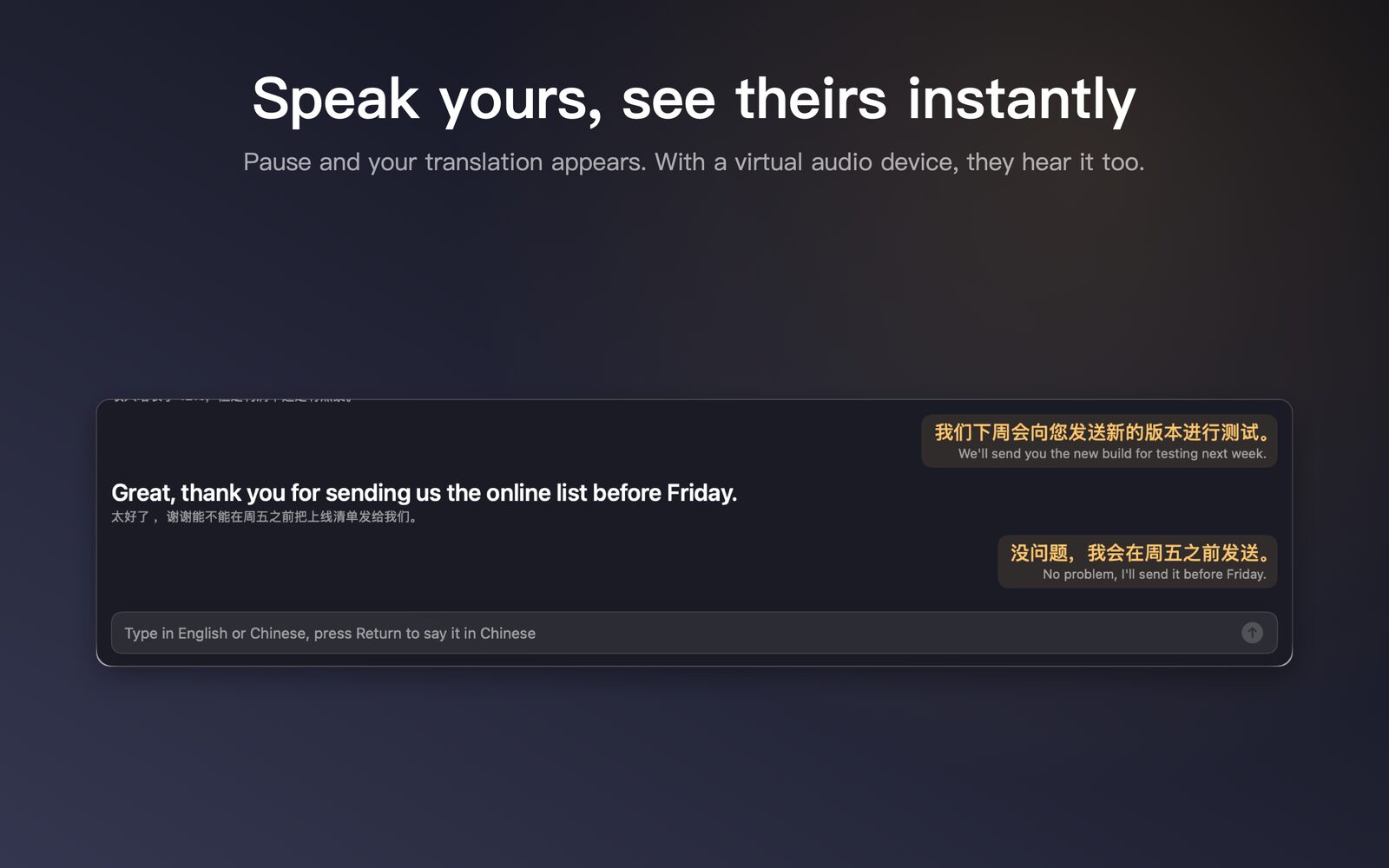
Translation as you pause
Pause after a sentence and its translation appears; or type. With a virtual audio device, the translation is spoken straight into the call.
Works with every meeting app
Zoom, Teams, Google Meet in the browser, WeCom, Feishu, DingTalk, Tencent Meeting, WeChat calls — it listens to system audio.
No internet, no uploads
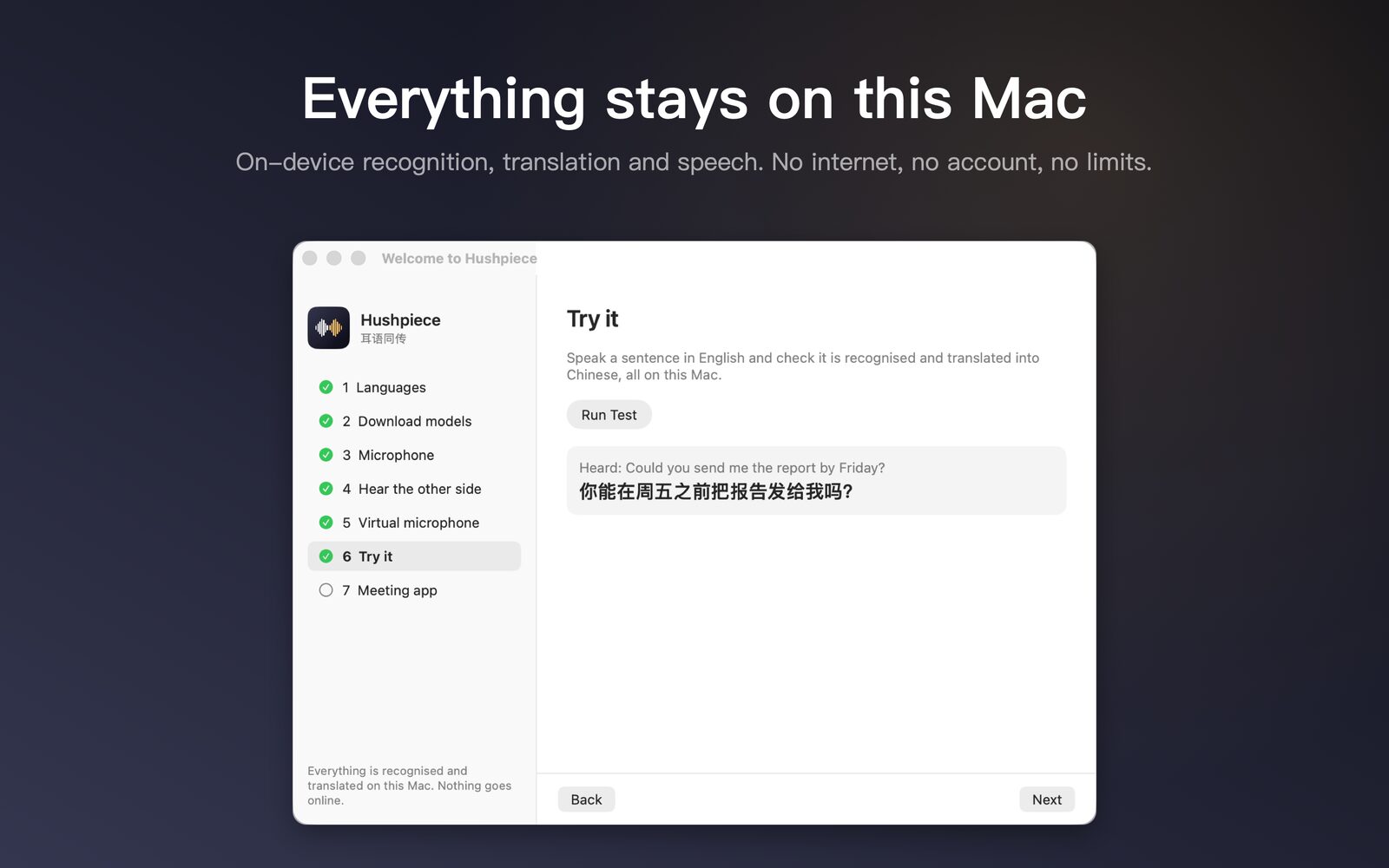
macOS's own on-device speech and translation models. No servers, no account, no recordings.
As long as you need
No per-minute billing and no monthly quota — all the computing happens on your own Mac.
Bilingual transcripts
Every meeting is saved as a side-by-side text transcript, one click away in the menu bar.
See it in action
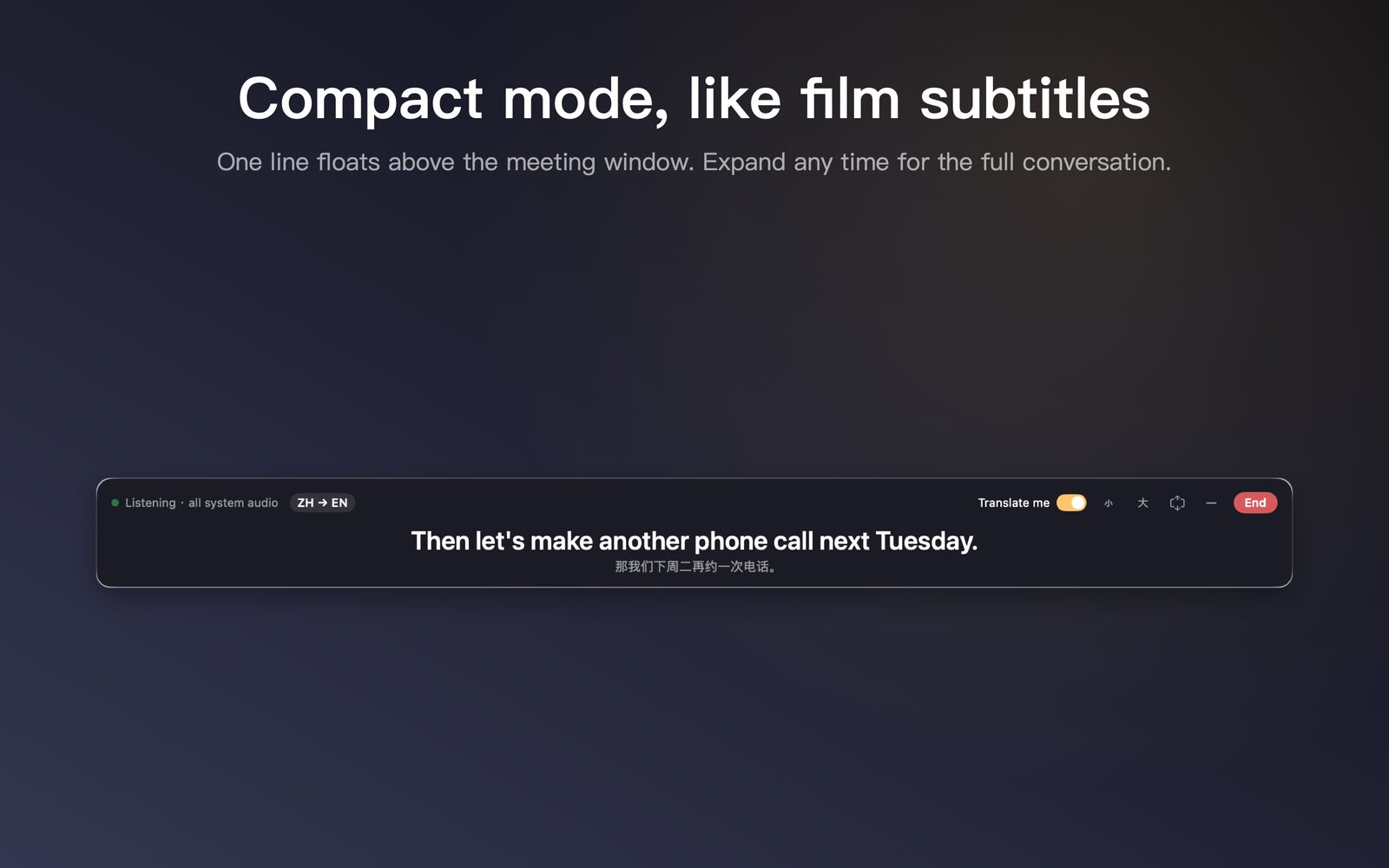
Subtitle panel, compact mode, the on-device check, settings.
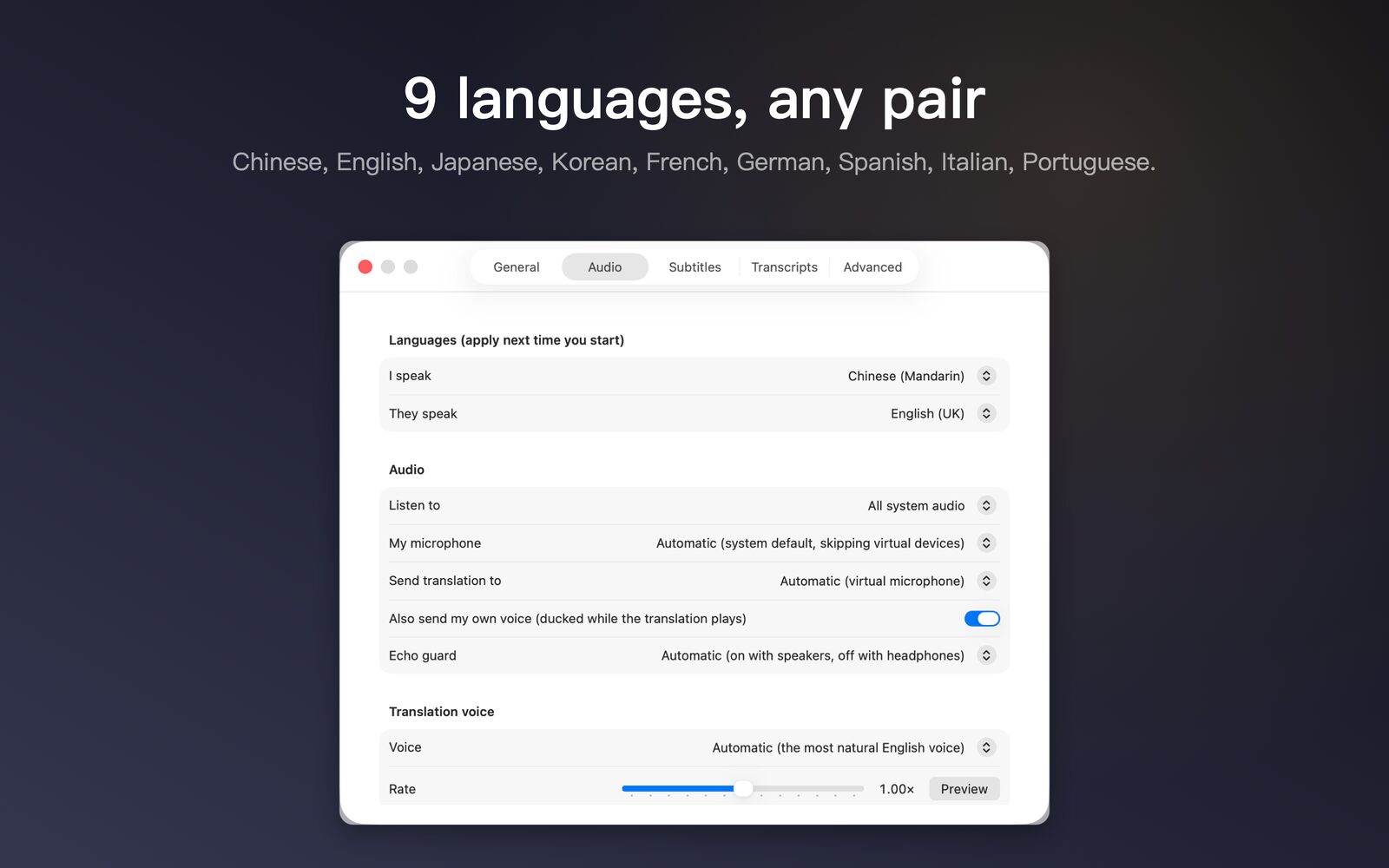
9 languages, any pair
Powered by macOS on-device models, downloaded once on first use.
What others put behind a paywall, free
Most meeting apps keep live translation in paid tiers or add-ons. Hushpiece is free, has no time limits, and works with all of them.
| Option | What live translation takes | Where the meeting goes |
|---|---|---|
| Hushpiece | Free, unlimited, no account, any meeting app | Stays on your Mac |
| Zoom | Business Plus and up, or about $5/user/month added to a paid plan | Cloud |
| Teams Interpreter | The organiser needs a Copilot or Teams Premium licence | Cloud |
| Tencent Meeting | Captions are paid (Professional and up); live translation needs Business or Enterprise | Cloud |
| Feishu / Lark | Live captions and translation are an AI Member perk (from ¥69/month) | Cloud |
As of October 2026. Sources: Zoom translated captions pricing · Microsoft Support · Tencent Meeting help · Feishu pricing
Why it can be free
Not a trial, and not paid for with your data.
No costs, so no bill
Recognition, translation and speech run on macOS's own on-device models, on your Mac. There's no server bill to pass on, so there's no reason to charge by the minute.
Check it yourself
The code is MIT-licensed on GitHub. Whether it goes online and what it stores is there for anyone to read.
Software everyone is free to use
Hushpiece is made by To Be Free: no ads, no tracking, no forced sign-up.
Three steps
A setup guide walks you through on first launch and checks each step for you.
- Pick languages, download modelsChoose what you speak and what they speak; macOS downloads the matching on-device models.
- Grant accessMicrophone (to hear you) and Screen & System Audio Recording (only to hear the other side of the meeting — the screen is never read, nothing is recorded).
- MeetClick the waveform icon in the menu bar → Start Interpreting. The subtitle panel floats above your meeting and saves a transcript when you finish.
With your meeting app
What each meeting app charges for translation, and how to get it free with Hushpiece:
Install
Download the notarized DMG from GitHub Releases, or use Homebrew: